

Bannack: Reverse Depth

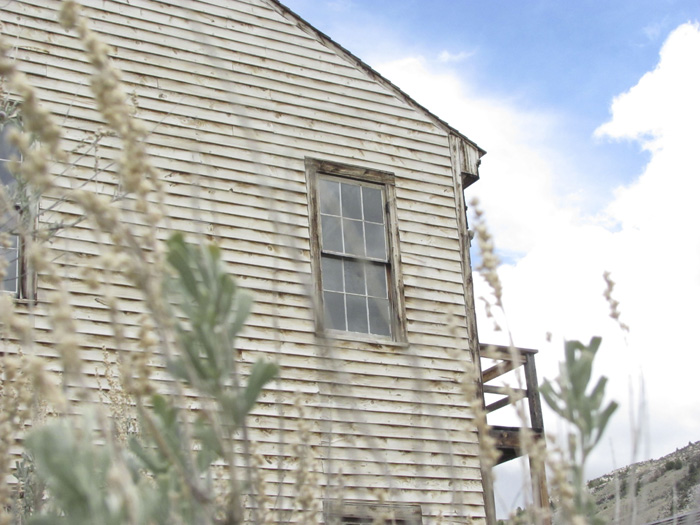
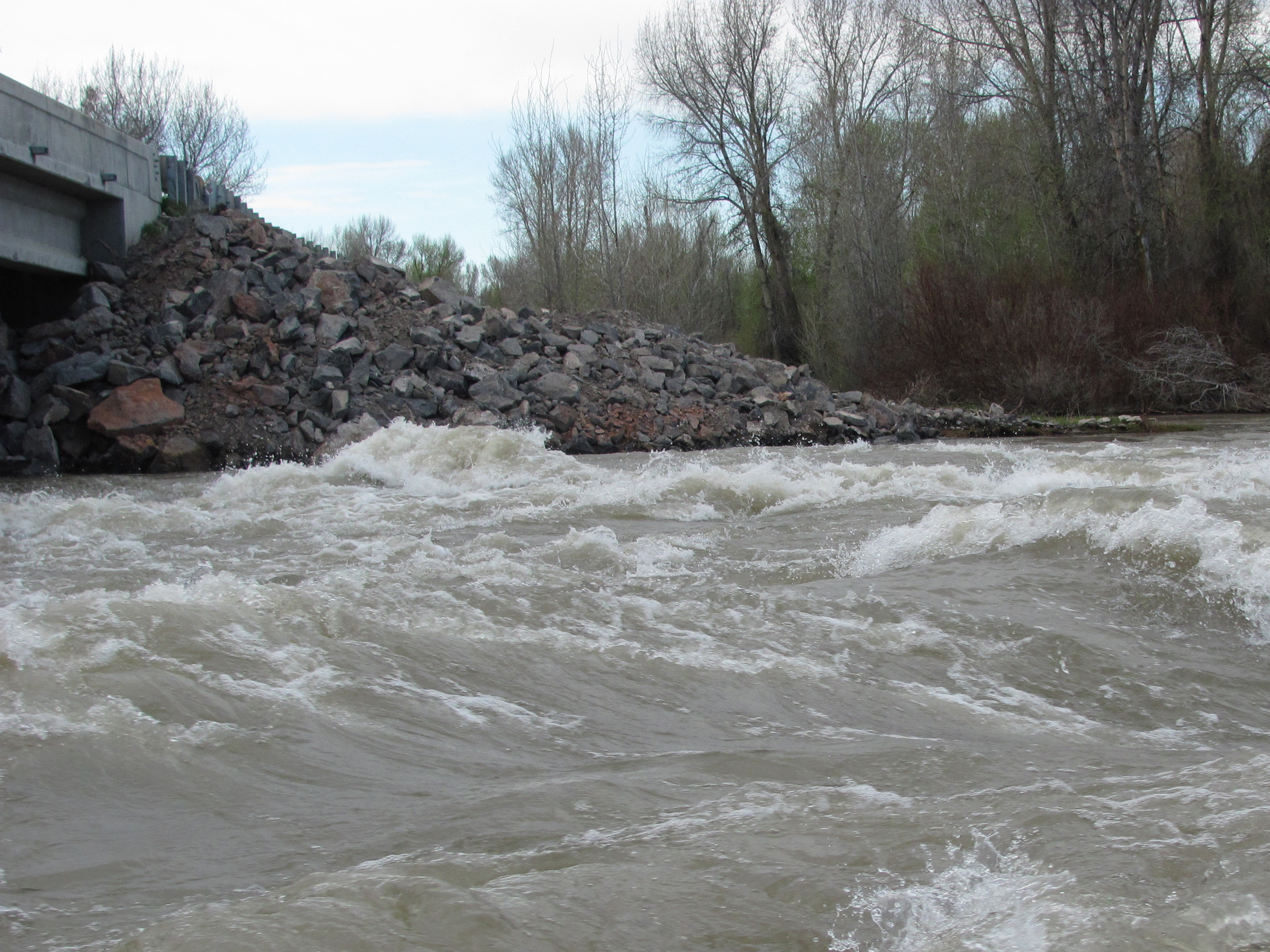
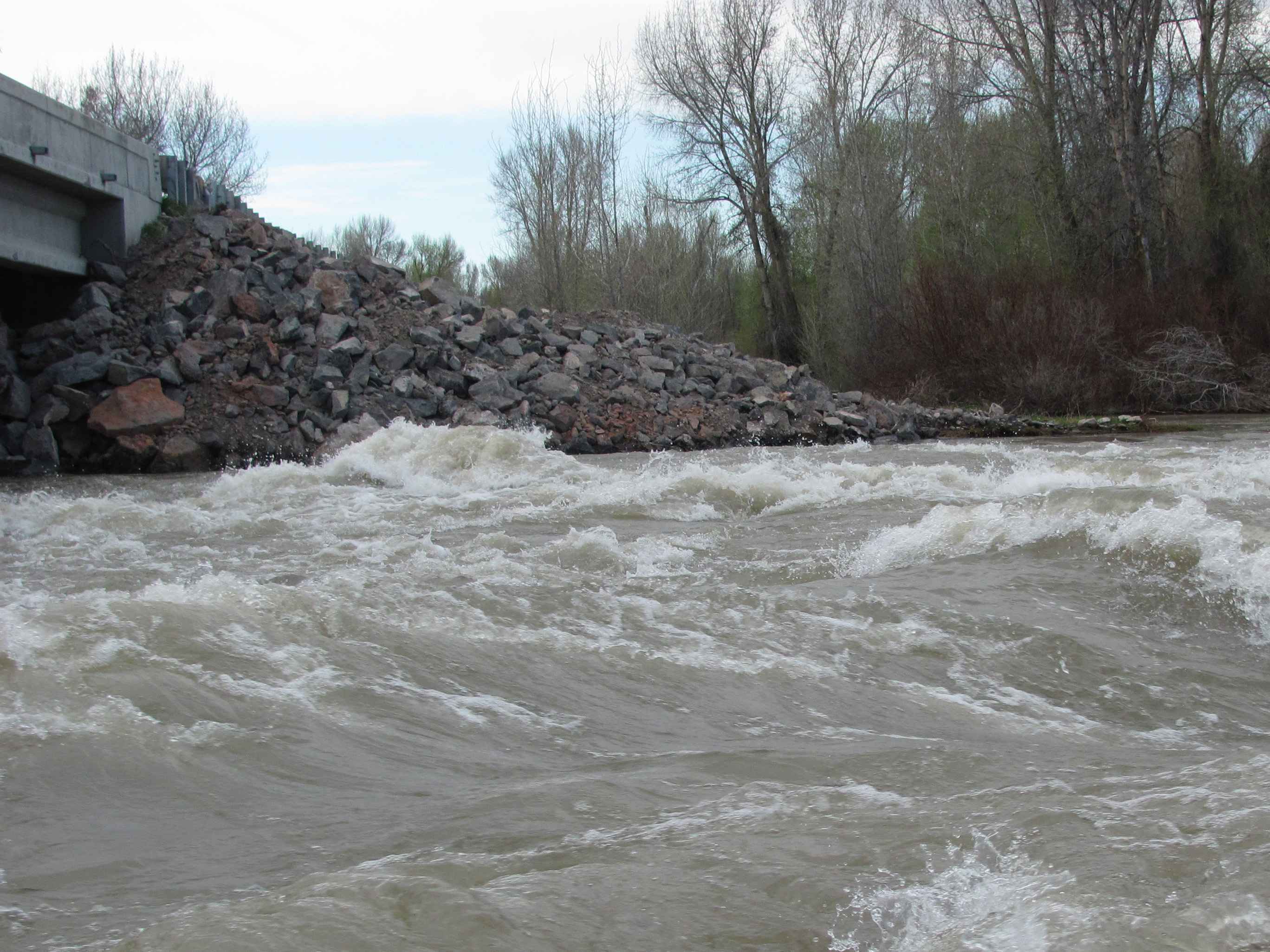
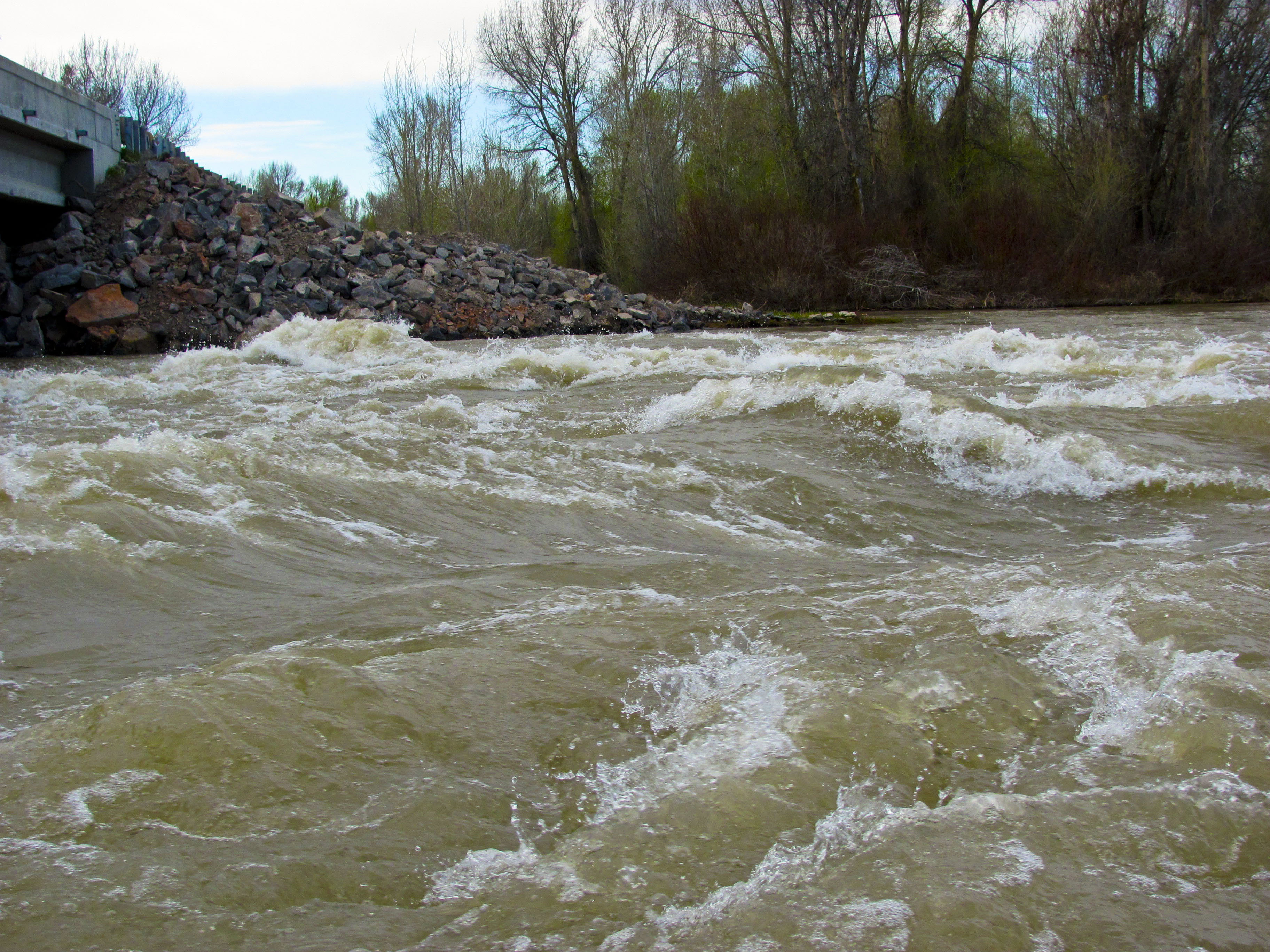
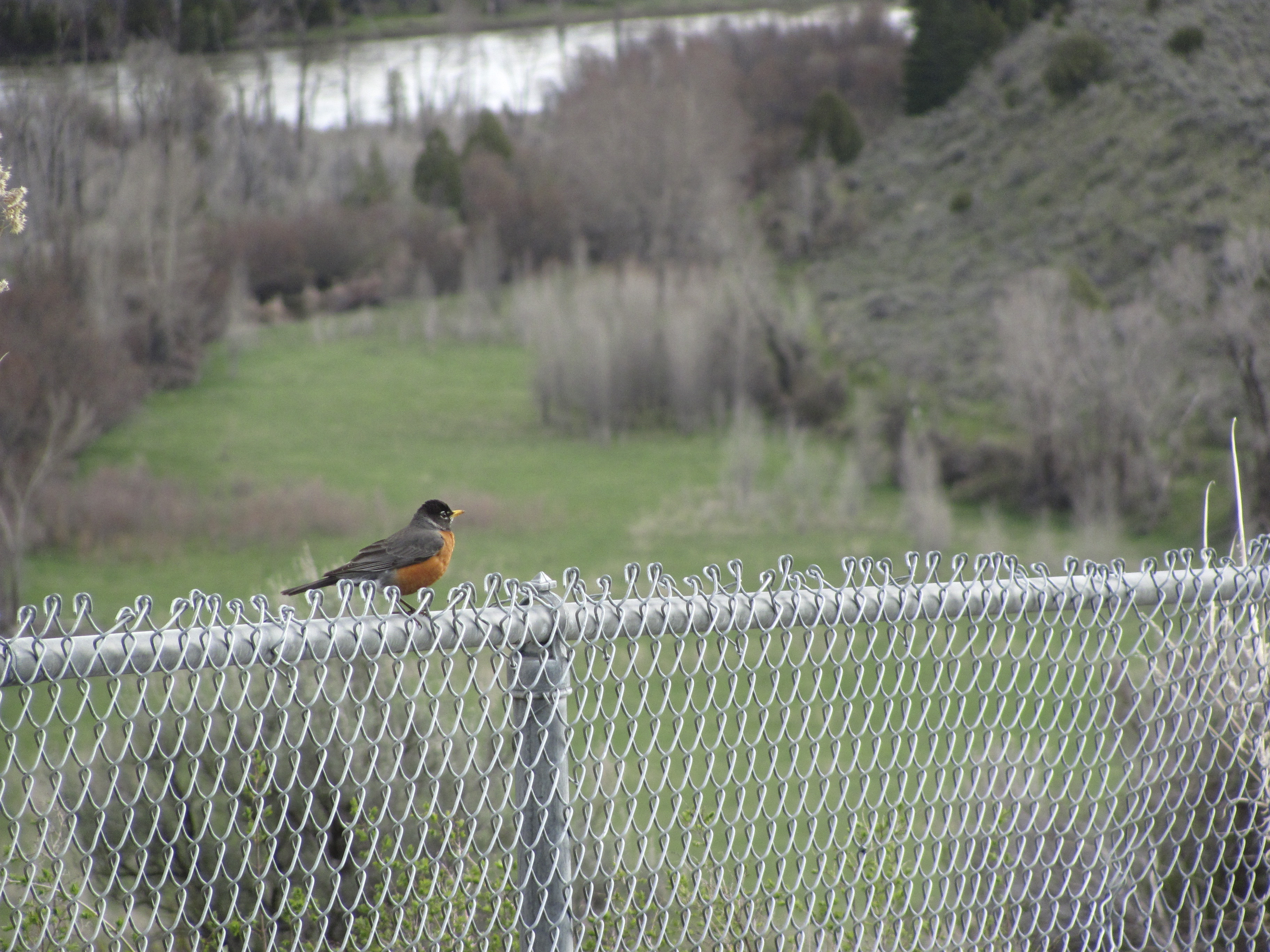
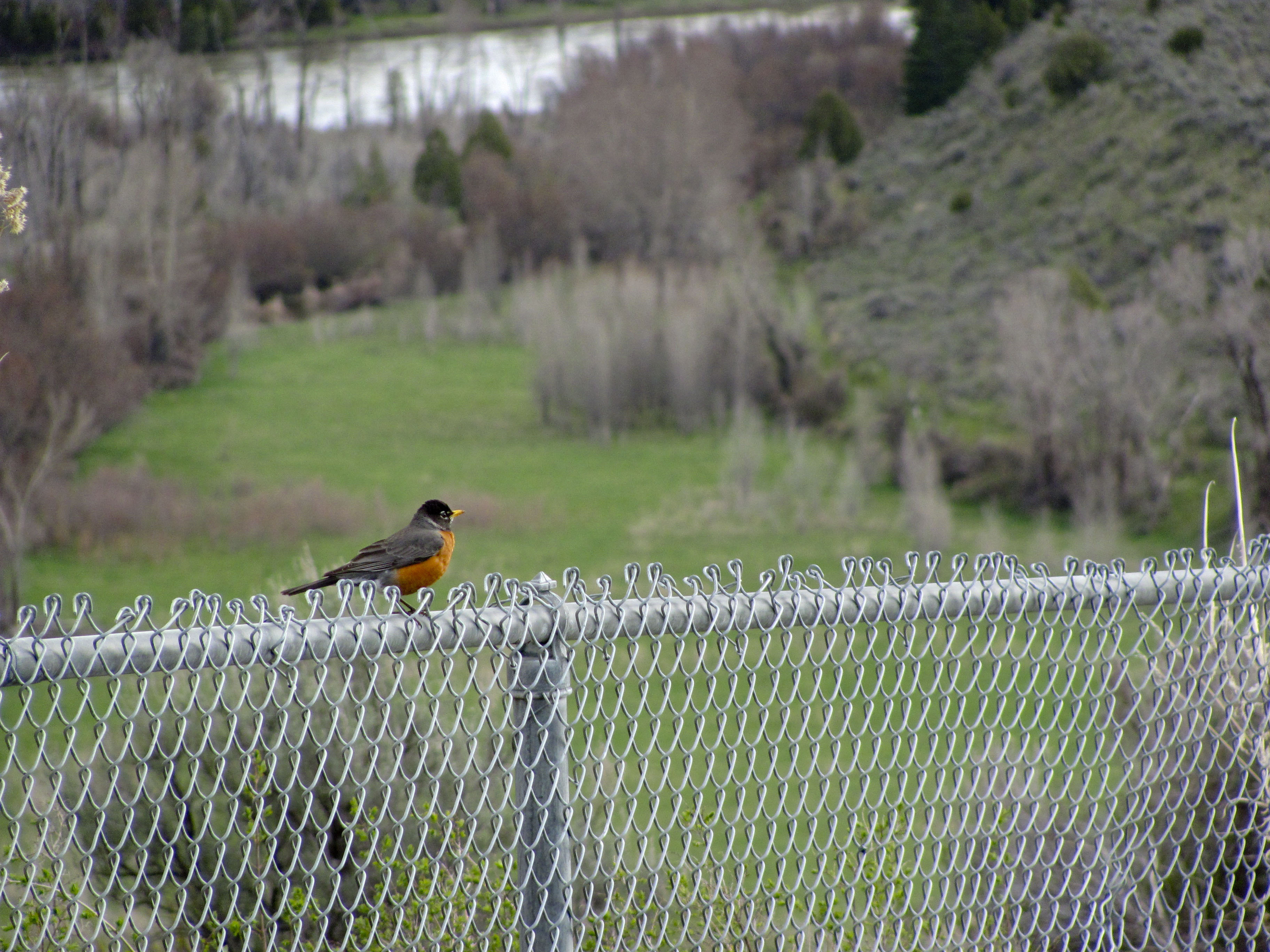
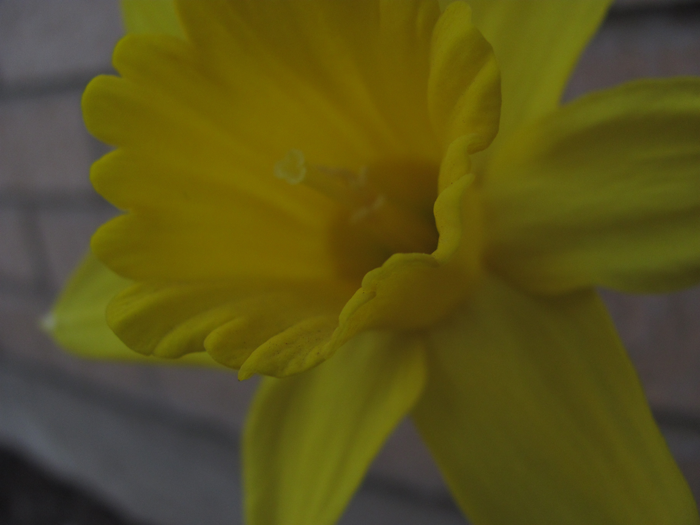
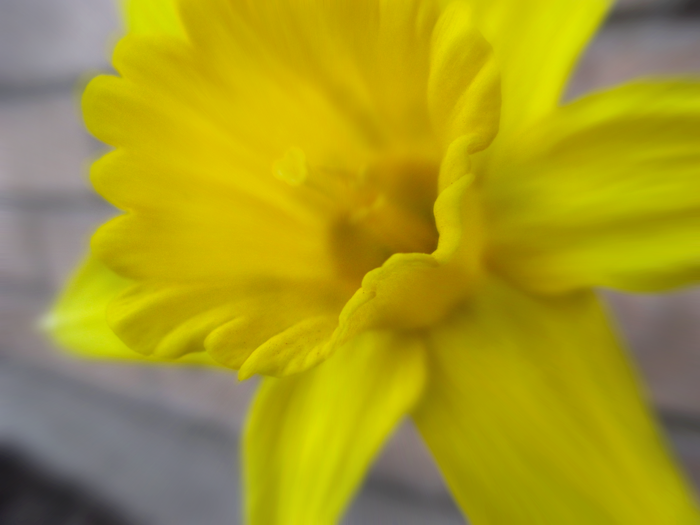
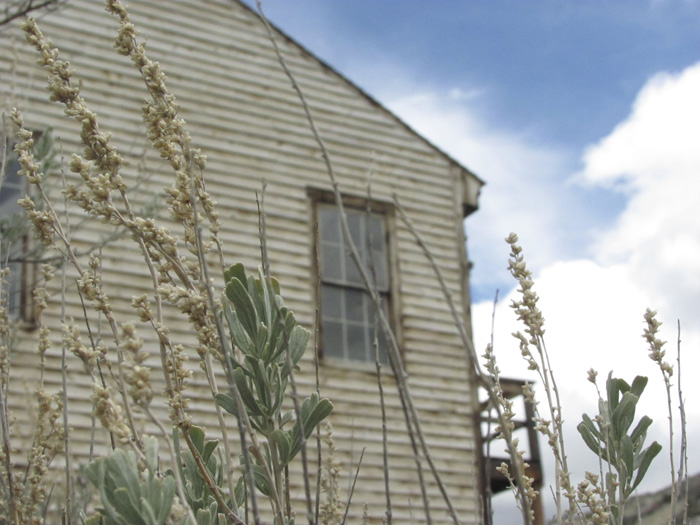
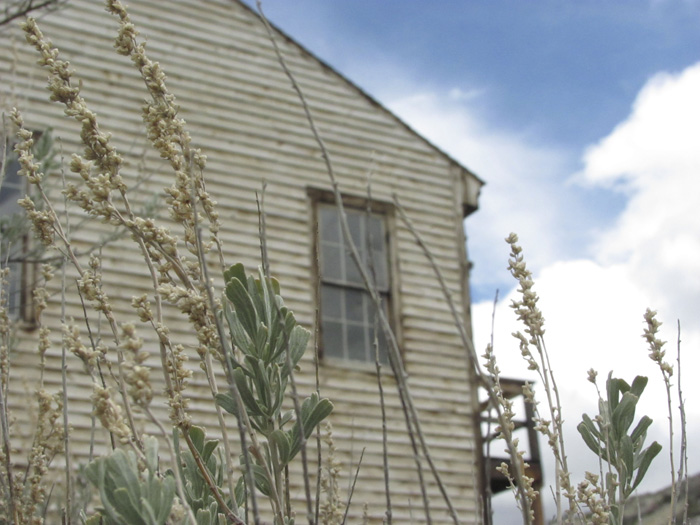
For this exercise. I used spot metering to first focus on a subject in the foreground and then in the second shot focus on a subject in the distance.

Foreground

Background

Reverse Depth
Bannack, MT; May 25, 2011; 1:10 p.m.
F/5.0 (F/6.3) Shutter: 1/1600 ISO:400 Canon Powershot SX120IS
*These shots were taken in shutter priority mode, which is why there is two different apertures.

Bannack: Action

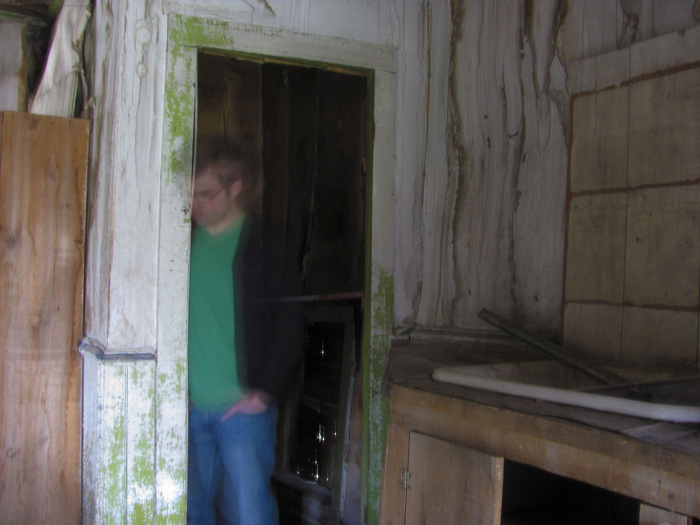
Ghost Blur

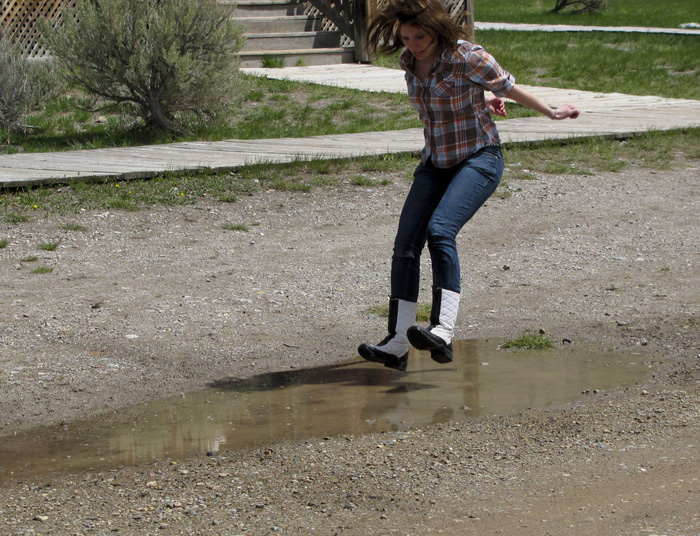
Jump

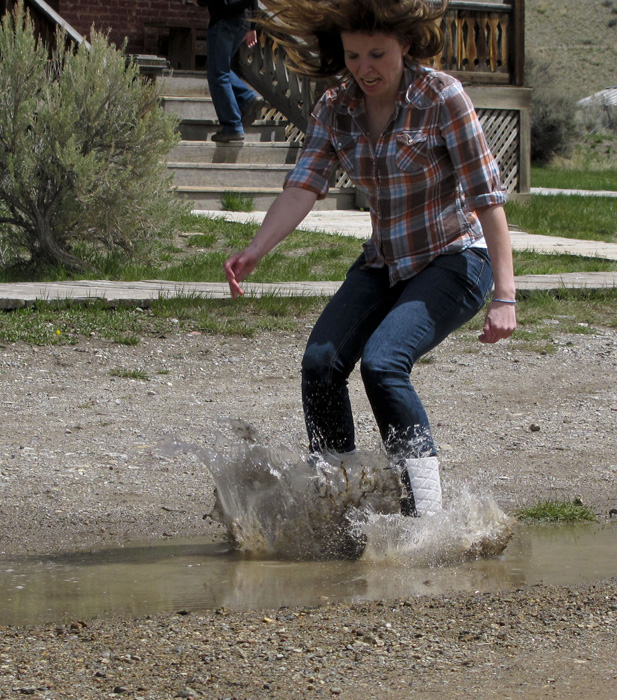
Splash Down

Ghost Blur
Bannack, MT; May 25, 2011, 12:59 p.m.
F/8.0 SHUTTER: 2″ ISO: 80 Canon Powershot SX120IS

Jump
Bannack, MT; May 25, 2011, 12:36 p.m.
F/3.5 SHUTTER: 1/1600 ISO: 80 Canon Powershot SX120IS

Splash Down
Bannack, MT; May 25, 2011, 12:37 p.m.
F/3.5 SHUTTER: 1/1600 ISO: 80 Canon Powershot SX120IS

Each of these pictures were taken in Manual Mode to create the effect, it was a matter of primarily adjusting the shutter speed to catch (or blur) the action I wanted. Then, I adjusted the aperture to ensure I captured the image in good light. Slight lighting adjustments of exposure and vibrance were made in Camera Raw.

Bannack, MT: Portraits

This slideshow requires JavaScript.

At the Window
Bannack, MT; May 25, 2011 12:13 p.m.
F/3.5 SHUTTER: 1/400 ISO: 400 Canon Powershot SX120IS

Minor adjustments: Using Camera Raw I increased the ‘Blacks’ level slightly. I also applied some filters to the window to bring back some color that was lost in the original shot.

Barbershop Reading
Bannack, MT; May 25, 2011; 12:16 p.m.
F/3.5 SHUTTER: 1/80 ISO: 250 Canon Powershot SX120IS

Minor adjustments: Using Camera Raw I increased the ‘blacks’ level slightly for added contrast.

Laughter
Bannack, Mt; May 25, 2011, 12:12 p.m.
F/4.0 SHUTTER: 1/30 ISO: 200 Canon Powershot SX120IS

Reading with Hat
Bannack, Mt; May 25, 2011, 12:01 p.m.
F/3.5 SHUTTER: 1/125 ISO: 320 Canon Powershot SX120IS

Reading with Cup
Bannack, Mt; May 25, 2011, 12:21 p.m.
F/4.0 SHUTTER: 1/125 ISO: 400 Canon Powershot SX120IS

Introducing Scarcity

In any discussion where economics is involved, scarcity is bound to come up. As an economic term might be unfamiliar to you but in this life it’s a pretty common thing.

Scarcity is shortage. It is lacking in something. We feel it when we get sick (lack of antibodies to fight an infection); we feel it when we procrastinate (lack of optimism or motivation); we feel when we fight or argue (lack of charity or patience); and we certainly feel it when we’re humble (lack of pride or stubbornness).

On Monday, we might call it ‘wishing the weekend was longer’. On Friday night it might be called a “blind date”. And when Sunday comes, we’re likely to refer to it as “Opposition”

In All Things

Lehi taught us that “it must needs be , that there is an opposition in all things,” (2 Nephi 2:11). Think of it, if our Father in Heaven and Jesus Christ in their infinite love and grace are at one end, what could possibly be at the other end? What is more opposite of infinite than shortage? The everlasting life in all it’s glory sits at one end of the spectrum and the ever-lacking lies at the other: and somewhere in between turns the days of our lives . . .

The adversary would love it if we experienced the vast shortage of love, life and joy that he experiences. Paul taught us that the love of money is the root of all evil. Perhaps so it is with scarcity. Scarcity in and of itself is not bad, but when we love it more than the abundant life that Christ’s atonement and teachings offer us, we’re in trouble. We’ll discuss in the book and later in the blog, how scarcity is vital to the Plan of Salvation. It allows mortality to be the testing ground that it is. It’s part of the perfect plan to optimize our spiritual growth. It’s important, then, to keep scarcity and opposition in it’s proper place. If we can understand it better, we can use it to our benefit. It can become a powerful tool for character-building.

So, let’s end on a question: what’s a scarcity you are experiencing in your life? How might it be an opportunity for growth?


Leave a reply below or e-mail me at james@gospelnomics.net


Portrait Enhancing

Original

After

Airbrush
5/22/2011 7:16 p.m.
[Manual] F/4.0 Shutter:1/250 ISO 100 Canon Powershot SX120 IS

I began in Camera Raw making some general adjustments to lighting (increasing blacks and saturation). In Photoshop, I used an airbrush (30 opacity/40 flow) to make specific adjustments to soften the features.


Original

Light Source

After

Match Color
Original Photo: 5/22/2011 8:00 p.m.
[Manual] F/4.5 Shutter: 1/160 ISO 80

Color Source: 5/22/2011 7:16 p.m.
[Manual] F/4.0 Shutter:1/250 ISO 100 Canon Powershot SX120 IS

Using only the Photoshop Match color feature, I used the color from the second photo to create the contrast and lighting in the final image.


Before

After: Color Replacement

Color Replace
5/22/2011 7:17 p.m.
F/3.2 Shutter: 1/1250 ISO 100 Canon Powershot SX120 IS

After making some initial level adjustments in Camera RAW (in particular increasing blacks and slightly increasing saturation), I turned to Photoshop applying some airbrushing to the parents faces to blend some of the strong evening light. Using Photoshop’s replace color, I took the wife’s shirt and replaced the color with a bright purple.

Be Ye Therefore . . . (GRAPHIC)

The following diagram is based on Matthew 5 & 3 Nephi 12. The diagram begins with 3 Nephi 12:1 as the starting point and works outwards following the words of the Savior. As the chapter progresses the diagram moves out to the outer shell. The theme in each slice corresponds in a sort of parallel way (hence the double circle). For more background, see below.


Click on the image to enlarge.

Reading this Diagram (Based on Mathew 5, 3 Nephi 12)

The center corresponds with 3 Nephi 12:1 and works outward stating the beattitude and the resulting blessing, as  you move to the outward circle, the diagram states the old law on the inner track, the ‘old law’ is summarized, with the new law summarized on the outermost track. Each of these correspond with the inner circle principle, culminating in the injunction from the Lord, to be perfect.

Backstory

Blessed are . . .
Blessed are. . .
Blessed are. . .

Have you ever struggled with Matthew 5? It’s a beautiful passage full of words to live by from the Savior, but for whatever reason, I always seemed to struggle to get a sense of the continuity and the heart of the message.

For a long time for me it felt like a bunch of good gospel principles strung together almost, dare I say, almost haphazardly. There’s nothing wrong with that but it didn’t line up well with my faith and conviction in Christ as the Master Teacher. Either by looking beyond the mark or not looking far enough, it bothered me that I was missing something. I set out to do something about my problem.

In hindsight, I did two things that helped me get started:
1. I referred to 3 Nephi 12 for comparison.
2. I noticed that Mathew 5 ended with these words:

Be ye therefore perfect, even as your Father which is in heaven is perfect.
~Mathew 5:48

Be ye therefore perfect . . . alright, so what is it about this passage that helps me then, to become perfect? I am a visual guy, so I sat down and started sketching what I was reading:

About half way through I realized there was a sort of symmetric pattern emerging. You could call it chiastic or a sort of inverse parallel-structure .  Because the gospel is an ongoing process, I organized the concepts I saw into a wheel with the corresponding principles aligned.  The circle works outward, based on the opening statement of Christ in 3 Nephi 12, inviting each of us to “come unto him.”


Portraits

Elizabeth

Mia

Deliberation

Flower Power

Stance

Discovery

Elizabeth
Front Yard at 35 S. 2nd E, Rexburg, Idaho; May 22, 2011, 7:57 p.m.
[Manual] F/3.5 SHUTTER: 1/100 ISO 100 Canon Powershot SX120 IS

Using spot metering and manual settings, I captured the original image. In Camera Raw I increased brought back some of brightness and vibrancy that was there when I took the shot. I also softened some of the lighting on Elizabeth’s face and balanced out the evening shadows that were falling across her face.

In Photoshop I proceeded to spot heal minor blemishes and apply a simple airbursh (30 percent opacity/38 flow) to further soften and even facial colors and features. To adjust specific areas of contrast, I applied a separate layer of black and white paint set with a soft light blending mode. There was also a tooth on the right-hand side of the face that for whatever reason caught a really crazy yellow light and was rather discolored. Using clone stamp and the soft light layer mentioned above, I made some adjustments.

Mia: Head & Shoulders
Front Yard at 35 S. 2nd E, Rexburg, Idaho; May 22, 2011, 7:17 p.m.
[Manual] F/3.5 SHUTTER: 1/1250 ISO 100 Canon Powershot SX120 IS

Being that Mia is ridiculously cute, it didn’t take much by way of adjustments to arrive at it’s current state. Using Camera Raw, I increased the vibrancy and saturation slightly. In photoshop I applied a slight airbursh to smooth features.

Deliberation: Full Body
Front Yard at 35 S. 2nd E, Rexburg, Idaho; May 22, 2011, 7:15 p.m.
[Manual] F/3.5 SHUTTER: 1/640 ISO 100 Canon Powershot SX120 IS

I only made minor adjustments to this photo in Camera Raw. I focused my efforts on getting the right balance of Gaussian blur in Photoshop.

Flower Power:Group Activity
Front Yard at 35 S. 2nd E, Rexburg, Idaho; May 22, 2011, 7:22 p.m.
[Manual] F/3.5 SHUTTER: 1/1600 ISO 100 Canon Powershot SX120 IS

In Camera Raw I increased vibrance and blacks for greater contrast, and made some initial adjustments with the adjustment brush to smooth out some harsh shadows.

In Photoshop, I used a stronger airbrush (50 opacity/38 flow) to further soften hard shadows. I added a gaussian blur to increase Bokeh, which I masked out on the family. I left the some parts of the parents slightly blurred, intending to create a dreamy, ideal feel. It helps keep the focus on the faces and Mia’s joy.

Stance: Group Posed
Front Yard at 35 S. 2nd E, Rexburg, Idaho; May 22, 2011, 7:23 p.m.
[Manual] F/3.5 SHUTTER: 1/1600 ISO 100 Canon Powershot SX120 IS

In Camera Raw I increased the vibrance, blacks and exposure so that when I ran a black and white smart filter over it in Photoshop, it gave me a high contrast. With a light brush, I masked back in some color in most of the picture. I brought Mia’s dress back in full, helping to keep the eyes on the family.

Discovery:Enviromental
Front Yard at 35 S. 2nd E, Rexburg, Idaho; May 22, 2011, 7:21 p.m.
[Manual] F/3.5 SHUTTER: 1/500 ISO 100 Canon Powershot SX120 IS

In Camera Raw I increased contrast and color through increasing vibrancy and blacks. In Photoshop, I airbrushed some of the shadows on Daniel and Mia’s faces. I finished with a Gaussian blur .
Camera RAW

Before: Teton River

After- Teton River

Archer Highway crossing the Snake River, Idaho
May 15, 2011 9:05 a.m. F/3.5 SHUTTER: 1/500 ISO: 100 Canon Powershot SX120 IS

Before-Bird

After-Bird

Scenery Lookout Highway 26 between Ririe and Swan Valley, Idaho
May 15, 2011 9:05 a.m. F/4.3 SHUTTER: 1/400 ISO: 200 Canon Powershot SX120 IS

Both of these pictures were edited in Camera Raw. Most of the adjustments I made involved improving the clarity, enhancing contrast through adjusting vibrancy. In making adjustments to the bird, I used an adjustment brush to add lighting to the bird and increased the shadows in the background trees and river.

Panorama

Triple "L" Ranch

Triple “L” Ranch
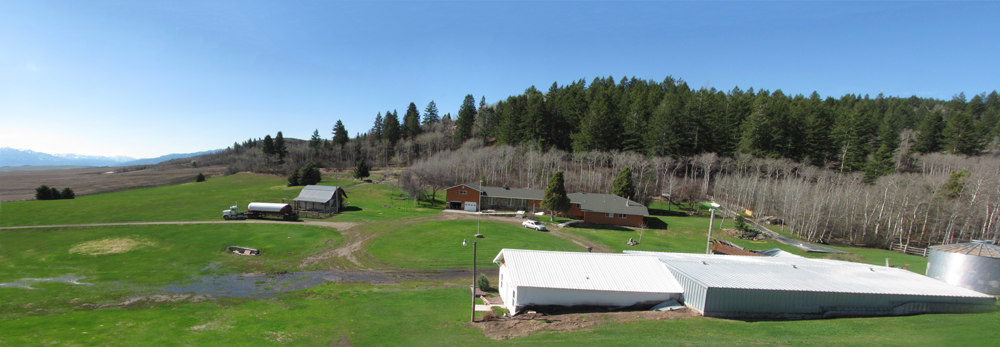
May 15, 2011, 9:45 a.m. Triple “L” Ranch, Ririe Area, Idaho
F/8.0 SHUTTER: 1/320 ISO 100 Canon Powershot SX120 IS

I created this panorama using the photo merge feature on Photoshop. I used content aware fill and clone stamp to build out the corners and complete the sky. The grass at the bottom also needed to be reconstructed. No color adjustments were necessary, all the colors were original.

The original photos used to create this shot are posted below:

This slideshow requires JavaScript.

Flowers and Filters

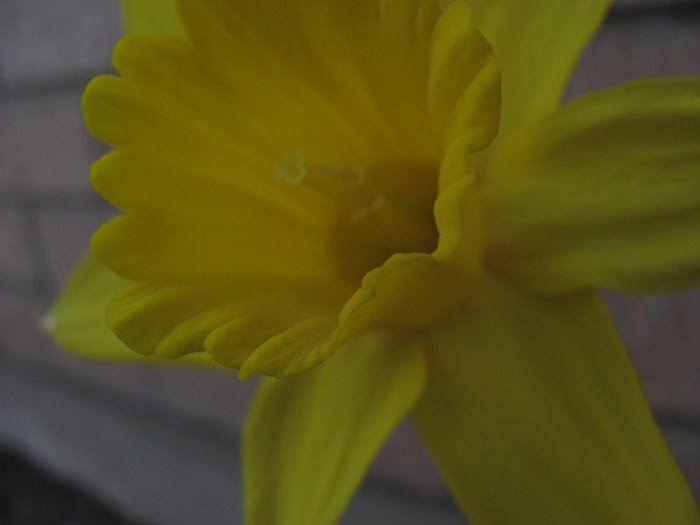
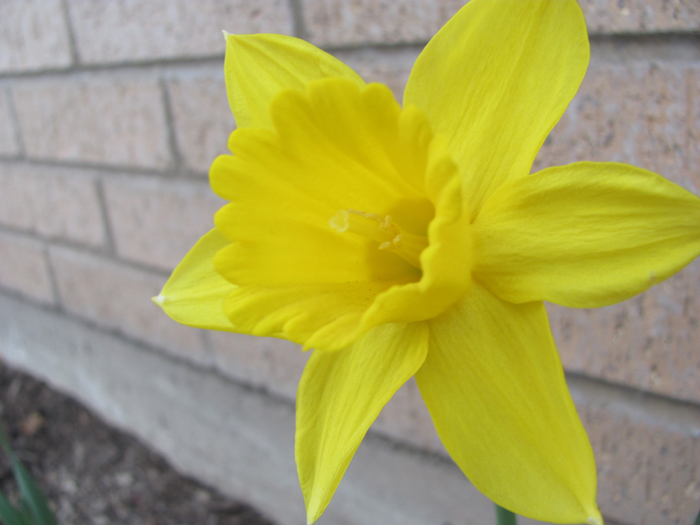
Before Smart Filter

Stats & Process:
Clarke Building Parking Lot, BYU-Idaho Campus, Rexburg, Idaho; May 5, 2011 7:28 p.m. F/2.8 SHUTTER: 1/400; Exposure Compensation: -1.33 ISO 100 Canon Powershot SX 120 IS

These flowers were in the shadow but with normal light, even at 7 p.m. they were washing out because of their natural vibrancy. I set the exposure compensation deliberately low to bring back the saturation and so forth in post production. In post production, I first used a levels and saturation adjustments bring back the bright yellow in the flowers. After that, I used a smart filter to create a motion blur on the flower. Instead of a radial blur I chose a more direct on blur, giving the sense of rushing the flower. With a mask I enlarged the center to include the entire bell of the flower. To finish up, I returned to the saturation adjustment and with a mask desaturated some of the areas of shadow on the flower, strengthening contrast and fidelity.

After Smart Filter

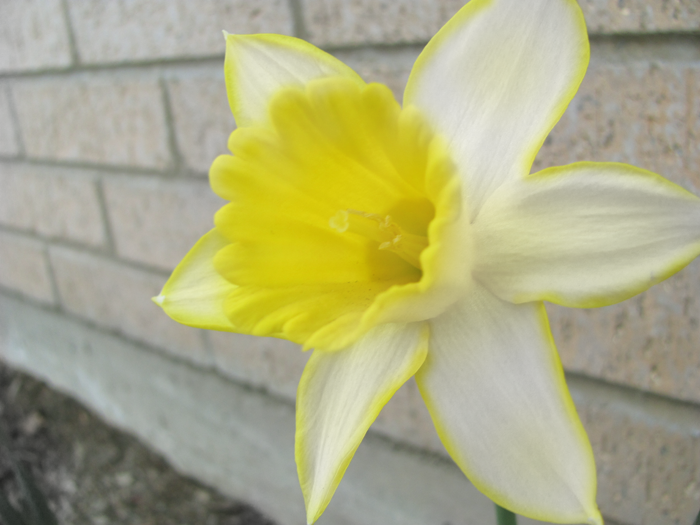
Before Adjustment Layer

Stats & Process:
Clarke Building Parking Lot, BYU-Idaho Campus, Rexburg, Idaho; May 5, 2011 7:27 p.m. F/2.8 SHUTTER: 1/125; ISO 100 Canon Powershot SX 120 IS

Using purely adjustment layers, I created this more artistically oriented piece. I first used a black and white “yellow filter” adjustment layer. This created a higher contrast between the flower and the surrounding. I then began to mask back in all of the background brick and I deliberately tinged the edges of the flower. For a final touch, I added back in the yellow in the bell of the flower. The whole artisitic idea behind it was to create the feeling of the flower generating its own light and warmth to share with the world around it.

After Adjustment Layer

Signs of Spring

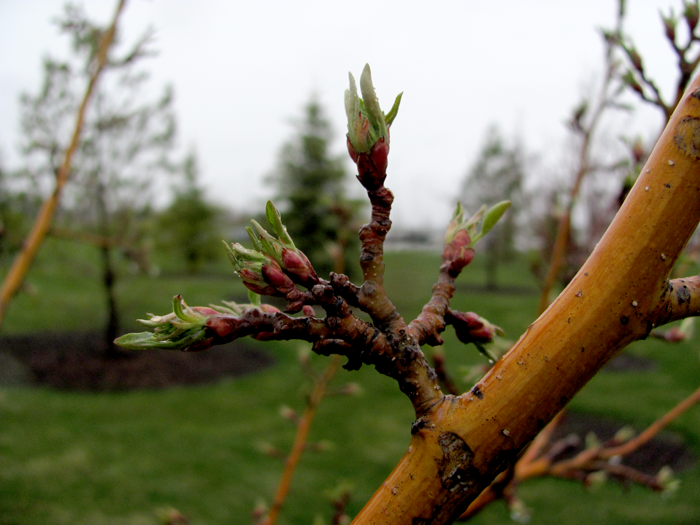
One: Nubs

Two: Worm

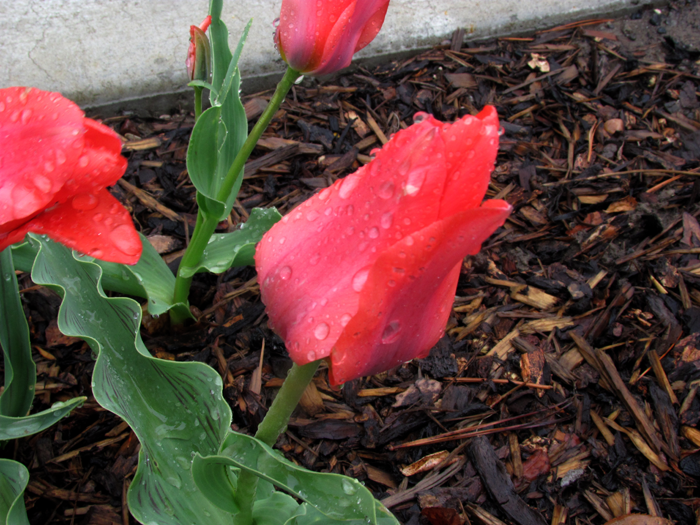
Three: Tulip To Drip

Four: Wormhead

One: Nubs
Temple Grounds, Rexburg Idaho; May 8, 2011 12:35 p.m. F/2.8 (+Macro) SHUTTER: 1/1250. Exposure adjustment -.67 ISO 100. Canon Powershot SX 120 IS

In Photoshop, I adjusted the levels to enhance the contrast to increase the visibility of the budding nubs. The bright orange trunk of the tree was natural and is what attracted me to the shot in the first place.

Two: Worm
Stake Center/Temple Grounds, Rexburg, Idaho; May 8, 2011 12:42 p.m. F/2.8 (+Macro) SHUTTER: 1/250. Exposure adjustment: -.67 ISO 100 Canon Powershot SX 120 IS

With the pitter-patter of rain, long earthworms were everywhere as we walked about the Rexburg Temple. My wife, Elizabeth, was the secondary subject. I used the Macro setting and the largest aperture possible to capture as much detail as possible on the worm. In post processing I balanced the levels some to enliven some of the colors and contrast.

Three: Tulip to Drip
Temple Grounds, Rexburg, Idaho; May 8, 2011 12:39 p.m. F/6.3 Shutter: 1/60 Exposure adjustment: -.67 ISO 100 Canon Powershot SX 120 IS

The night before I had spotted these red-pink tulips as we visited the temple. I returned the next day to grab this picture. The collected rain drops provided additional “target practice.” To compose this shot, I aligned the main flower to cross between two intersecting rule of thirds lines. In post production I boosted the levels to give the pink more of the full color I saw with my natural eye when there.

Four: Wormhead
BYU-Idaho Fourth Stake Center, Rexburg, Idaho; May 8, 2011; 12:45 p.m. F/2.8 (+Macro) SHUTTER: 1/640 Exposure Compensation:-.67 ISO 100 Canon Powershot SX 120 IS

I again adjusted the levels in this picture to maximize the contrast and detail in the worm compared to the hands holding it. The clarity of the water with a slight glimmer of light was an added bonus. The worm provided great practice at focusing on constantly moving target and waiting for the right moment to capture.

Overlays and Blends

Part One: Text Overlay

Before-1

After-2

Specs & Process: S 2nd East and Main Street, Rexburg, Idaho; April 24, 2011 4:30 pm f/2.8 Shutter: 1/800 Cannon Powershot SX120 IS

It took me about 10 minutes to enhance this shot. I seperated my subject, Elizabeth, on a seperate layer and applied a black and white adjustment to the background. I used the sponge tool to desaturate some of the nooks & cranies in her hair to match the background. With a simple star brush I painted the stars in on their own layer and applied a title overlay on the top. The font is Moonlight Shadow and is available on Dafont.com.

Part Two: Blending

In this exercise, I will take two photographs I took and blend them together in Adobe Photoshop.

Before-2A

Before-2B

After-2

Specs & Process:

A: Ricks Building South Wall; May 1, 2011, 12:31 p.m. f/2.8 Shutter: 1/640 Canon Powershot SX120 IS

B:Manwaring Center Street Parking, May 1, 2011; 12:17 p.m. f/8.0 Shutter: 1/200 Canon Powershot SX120 IS

I chose a black and white adjustment that really accented the steel and chrome of the truck to give it maximum contrast. I then took the brick texture, laid in over top with an overlay blending mode. I used a mask and a textured brush to take out the brick. I finished it off with the burn tool to add a sort of custom drop-shadow behind the brick.

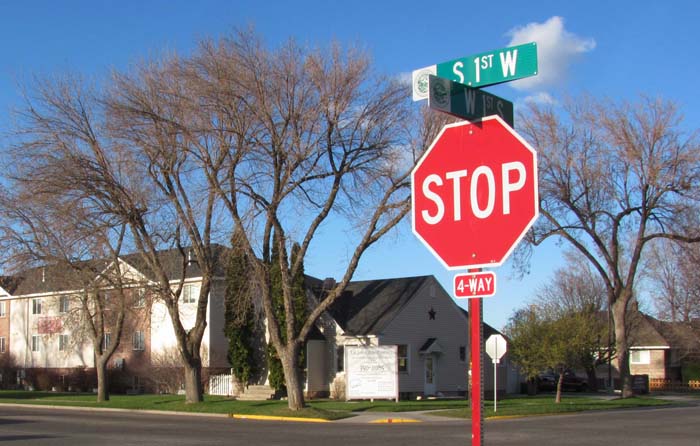
Seeing Red

One

Two.

Three

Four

One. Ricks Gardens, May 1, 2011 F/ 2.8 Shutter: 1/250 ISO 80 Canon Powershot SX120 IS

Using the burn tool I added a little contrast around the pot. I also added a little saturation to bring some of the red out in the pot.
Two.   First West, First South, Rexburg, ID, May 1, 2011 F/ 8.0 Shutter: 1/125 ISO 100 Canon Powershot SX120IS

Using the clone tool I removed a power line that stretched from a poll (hidden by the stop sign) off-camera in the upper right hand corner. The setting sun helped bring out a lot of the colors.

Three. Ricks Building, BYU-Idaho, May 1, 2011 F/2.8 Shutter: 1/400 ISO 80 Canon Powershot SX120 IS

I think fire hydrants are some of the most photogenic inanimate, ordinary objects there are. I used a curves adjustment to darken the shadows, increasing contrast.


Four. Manwaring Center Catering Parking Lot, May 1, 2011 F/8.0 Shutter: 1/160 ISO 80 Canon Powershot SX120IS

There was a weird line across the hood near the wiper blades that I smudged out (it looked like a bad layer cut). I also played with the contrast by adjusting the levels pallet. The goal was to enhance the red but not lose the darker feel of the shot.

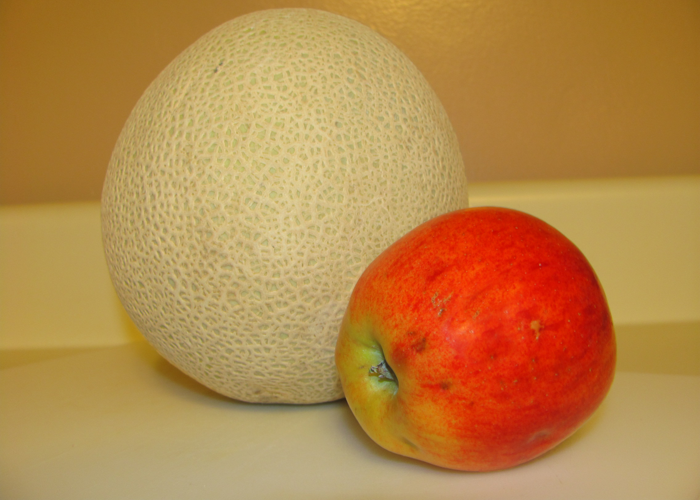
Cut Out

Before

Partial Cut Out

Full Cutout

Rexburg, ID; April 15, 2010 8:24 p.m. f/2.8 Shutter: 1/8 Cannon Powershot X120 IS Flash fired with red-eye reduction.

Process:  Used quick selection tool to create selections; Used clone stamp to reduce shine of flash on apple.

Before . . .


A sampling of pre-COMM 262 work.

1. Ry-Smile

2. Hydrant

3. Welcome to Driggs

4. Ry so serious

5. Fire Sky

6. Revis Family Annoyance

7. Ryleigh Blue Eyes

1. Ry-Smile

St George Temple; April 16, 2010 6:29 p.m. f/2.8 1/160 Sony DSC-S750 natural lighting

Minor adjustments in Photoshop: curves preset to enhance contrast and cropping to strengthen rule of thirds.

2. Hydrant

Spori Building Fire Hydrant; February 4, 2010 1:22 p.m. f/5.6 Shutter: 1/200 Sony DSC-S750 natural light

Minor adjustments in Photoshop: custom curves adjustment to slightly increase saturation and contrast; composition is unchanged. The white snow behind the hydrant creates a cutout effect. This picture was taken as part of a COMM 130 photo assignment.

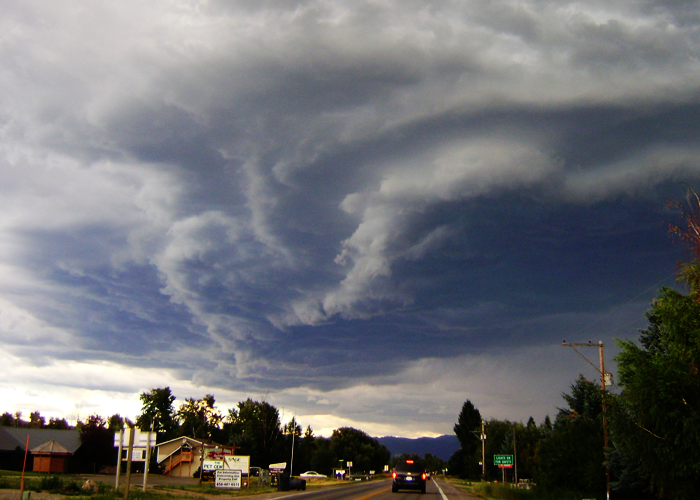
3. Welcome to Driggs, Idaho

Highway 33 near Driggs, Idaho; August 6, 2010 5:04 p.m. f/2.8 Shuttter: 1/200 Sony DSC-S750 natural light

Minor adjustments: curves preset to slightly enhance contrast; cropping to enhance composition- so the primary swirl in the clouds crosses at rule of thirds intersections.

This picture was taken while driving between Victor and Driggs, Idaho moments before the world’s largest rain drops began pelting our car.

4. Ry So Serious

St. George Temple Grounds, 4/16 6:31 p.m. f/2.8 Shutter: 1/100 Sony DSC-S750 natural light

Cropped to reformat for blog; original composition maintained.

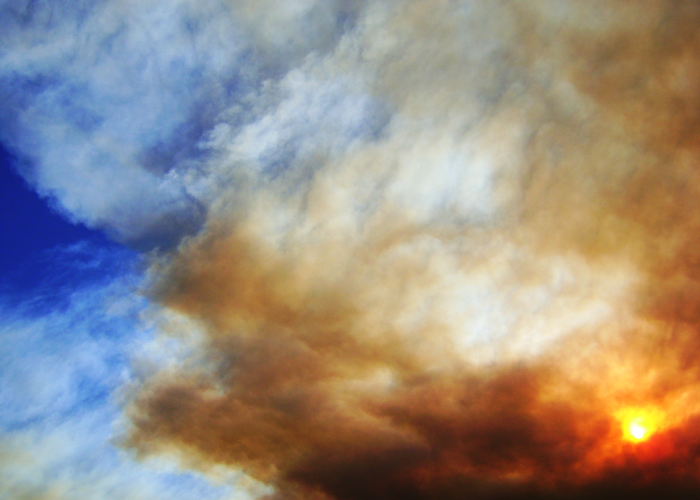
5. Fire Sky

BYU-Idaho Campus; July 13, 2010 5:56 p.m. f/5.6 Shutter: 1/1250 Sony DSC-S750 natural light

Minor adjustments: curves preset to increase contrast; cropped to strengthen rule of thirds

6. Revis Family Annoyance

St. George Temple Grounds; April 16, 2010 6:32 p.m. f/2.8 Shutter: 1/100 Sony DSC-S750 with natural lighting

Minor adjustmnets: curves custom adjustment to enhance contrast while maintaining detail (particularly in mother’s hair; slight cropping.

7. Ryleigh Blue Eyes

St. George Temple Grounds; April 16, 2010 6:42 p.m. f/2.8 Shutter: 1/100 Sony DSC-S750 with natural lighting

Minor adjustments: curves preset to enhance contrast. Added blur to keep Ryleigh’s ridiculously gorgeous eyes as the primary focus.

Yes, A Blog

When I sat down in Fall of 2010 to start writing a book, I could have hardly anticipated the monster that would take over my life.

It has changed how I view life and observe the world around me. Suddenly in every facet of life there is a new angle, a new perspective, a new application for living. A book done right is only a mere opening of the mind: it unlocks new doors, inspires new thoughts and poses new questions.

Where are these doors to lead? and what of these new questions?

And hence, a blog.

You won’t need to have read my book to follow along here. Here’s a chance you and I can really have to discuss gospel principles and how they effect life. Something we can hardly do effectively in a book.

Gospelnomics: A Blog is all about finding patterns and principles in life and seeking to apply them in our lives. These might come from history, from economics, from literature or music. We have the chance to get up to our elbows in enjoying the simplicity of the gospel of Jesus Christ using the world around us to strengthen that testimony. Let’s share experiences that encourage one another to do a little bit better. Let’s find ways to help each other grow.